
Kiokuma
Your own
flashcards
Layer information onto each card.
A new flashcard experience for understanding, not just memorizing.
Start for free · iOS supported
A Learning Experience Beyond Memorization
Kiokuma helps you structure knowledge beyond traditional question-and-answer cards.
SIMPLE CARDS
Review at the right time
with the forgetting curve
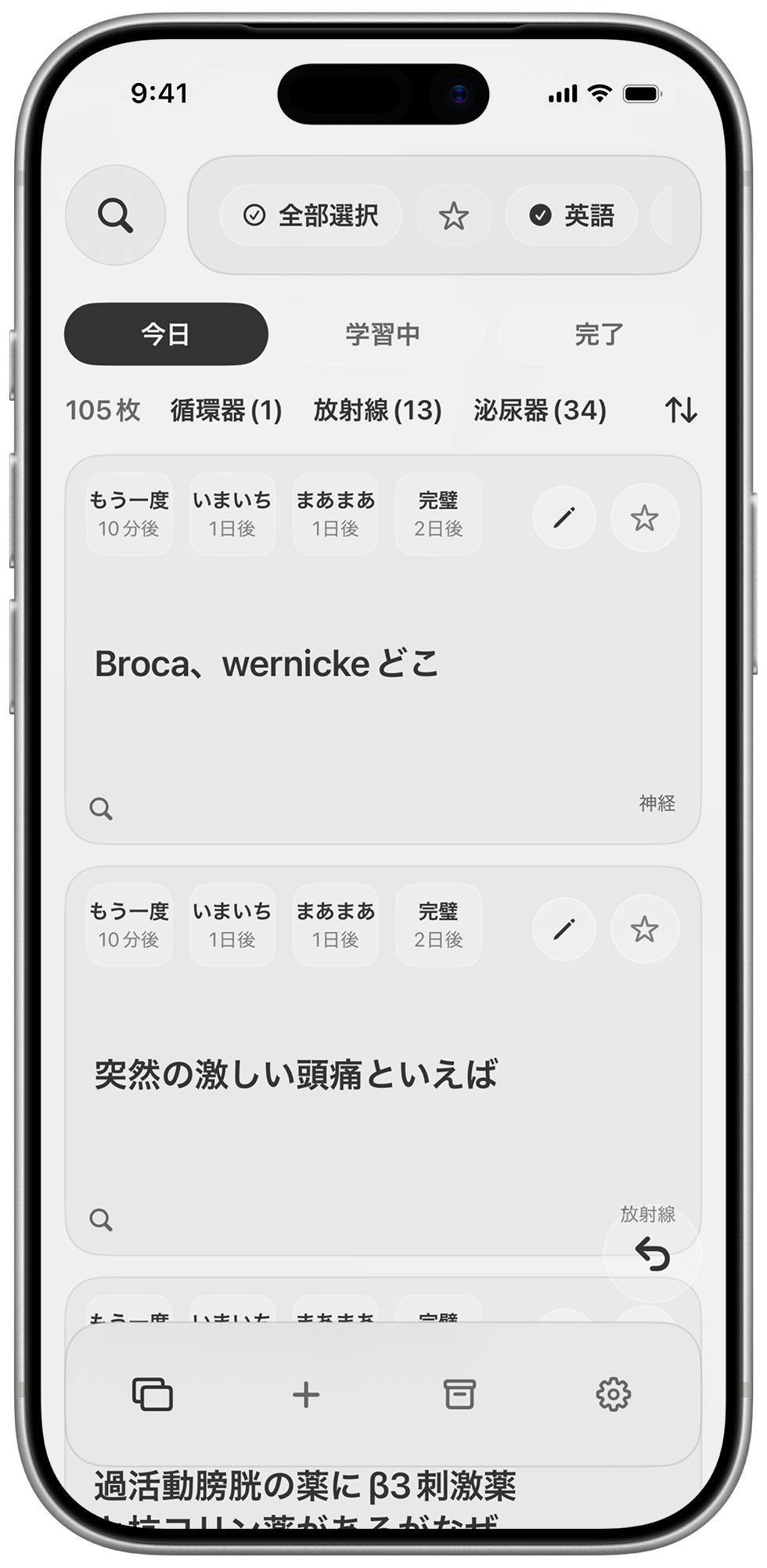
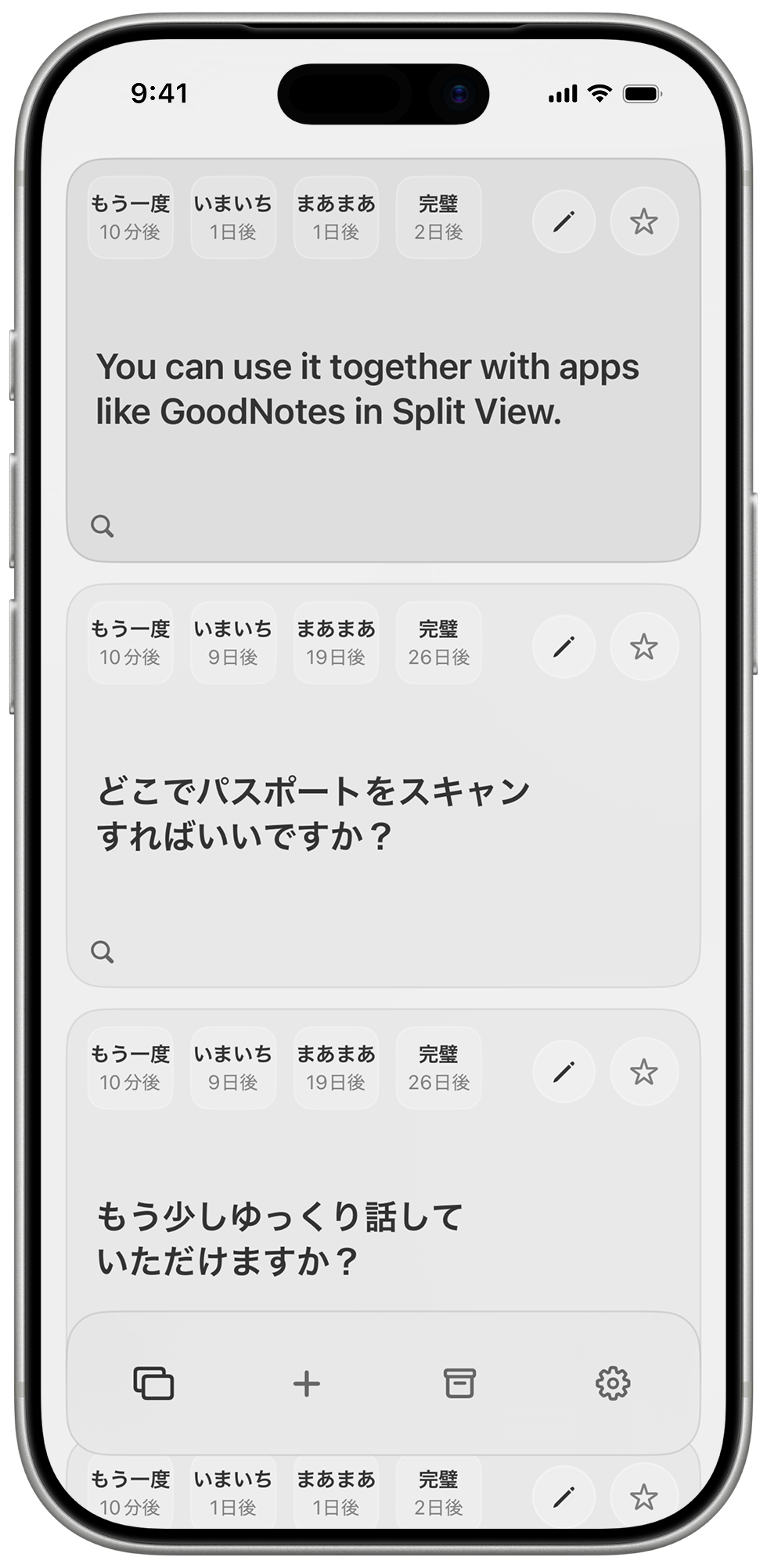
Just enter a question and answer to start studying right away. Reviews are automatically timed along the forgetting curve, so you can build lasting memory without the strain.
BULK IMPORT
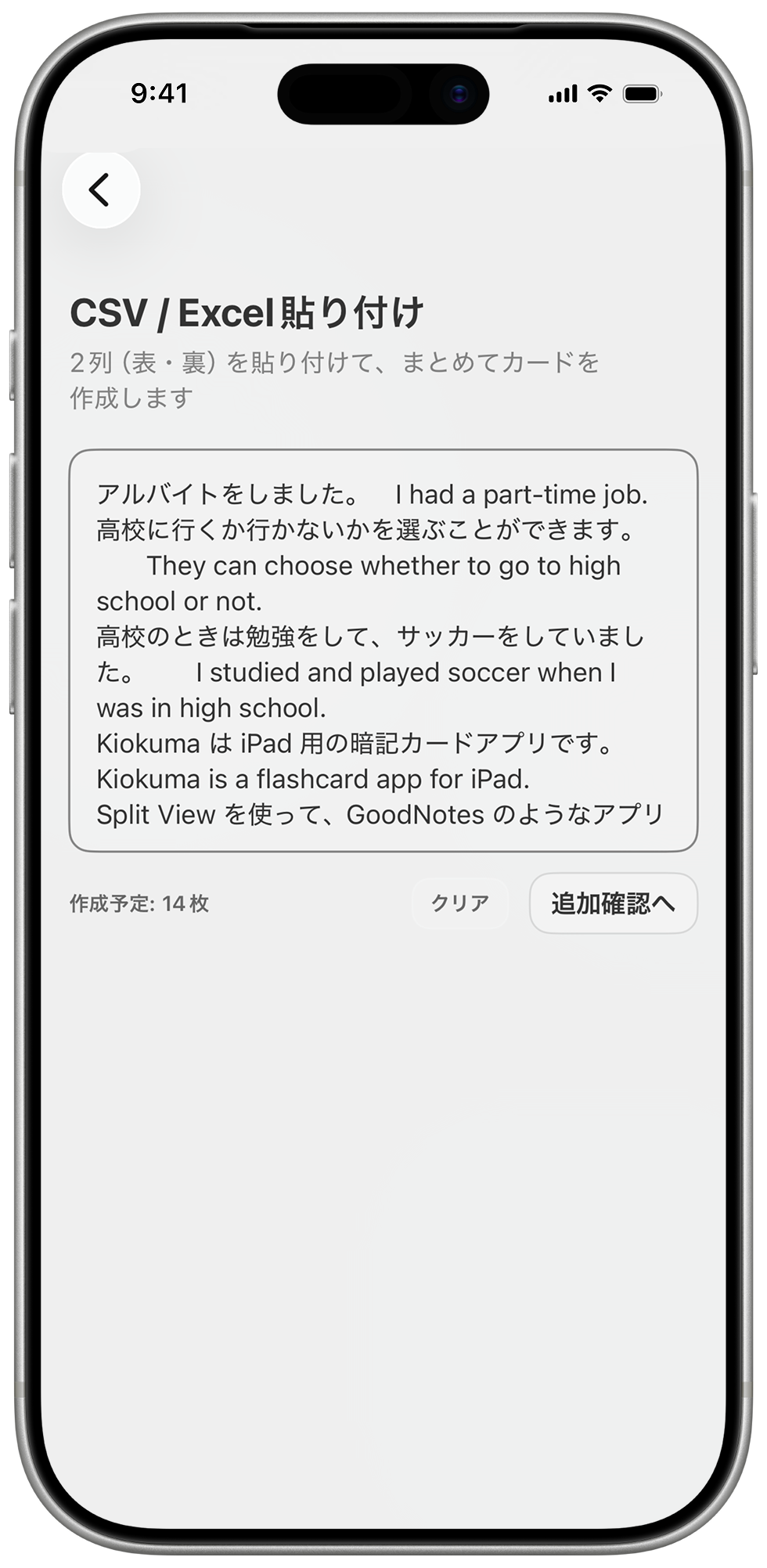
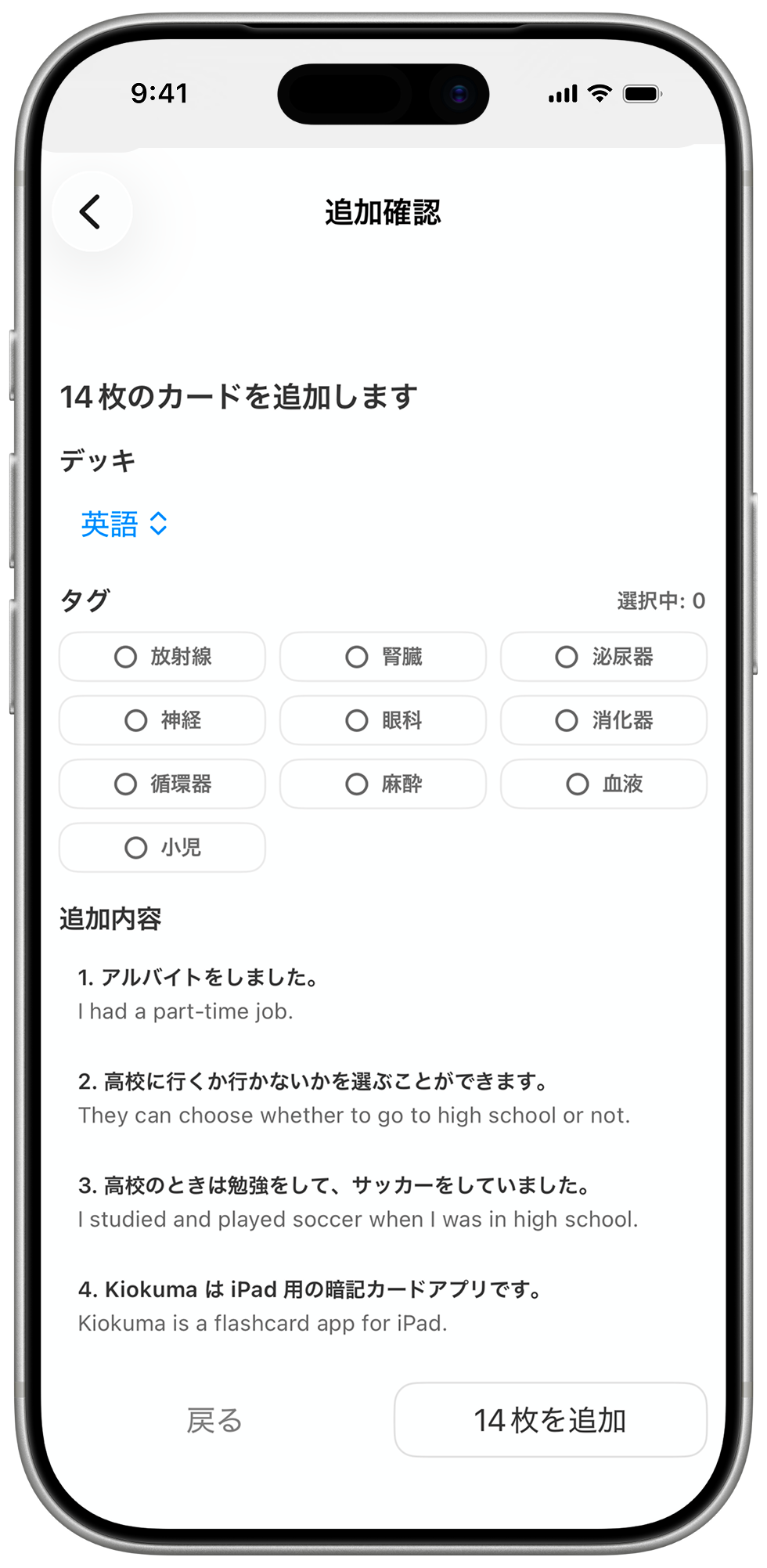
Create multiple cards
from CSV or Excel
Import prepared vocabulary lists or question sets and create many cards at once.
Importing from other apps is smooth, too.
IPAD WORKFLOW
Make card creation
even easier on iPad
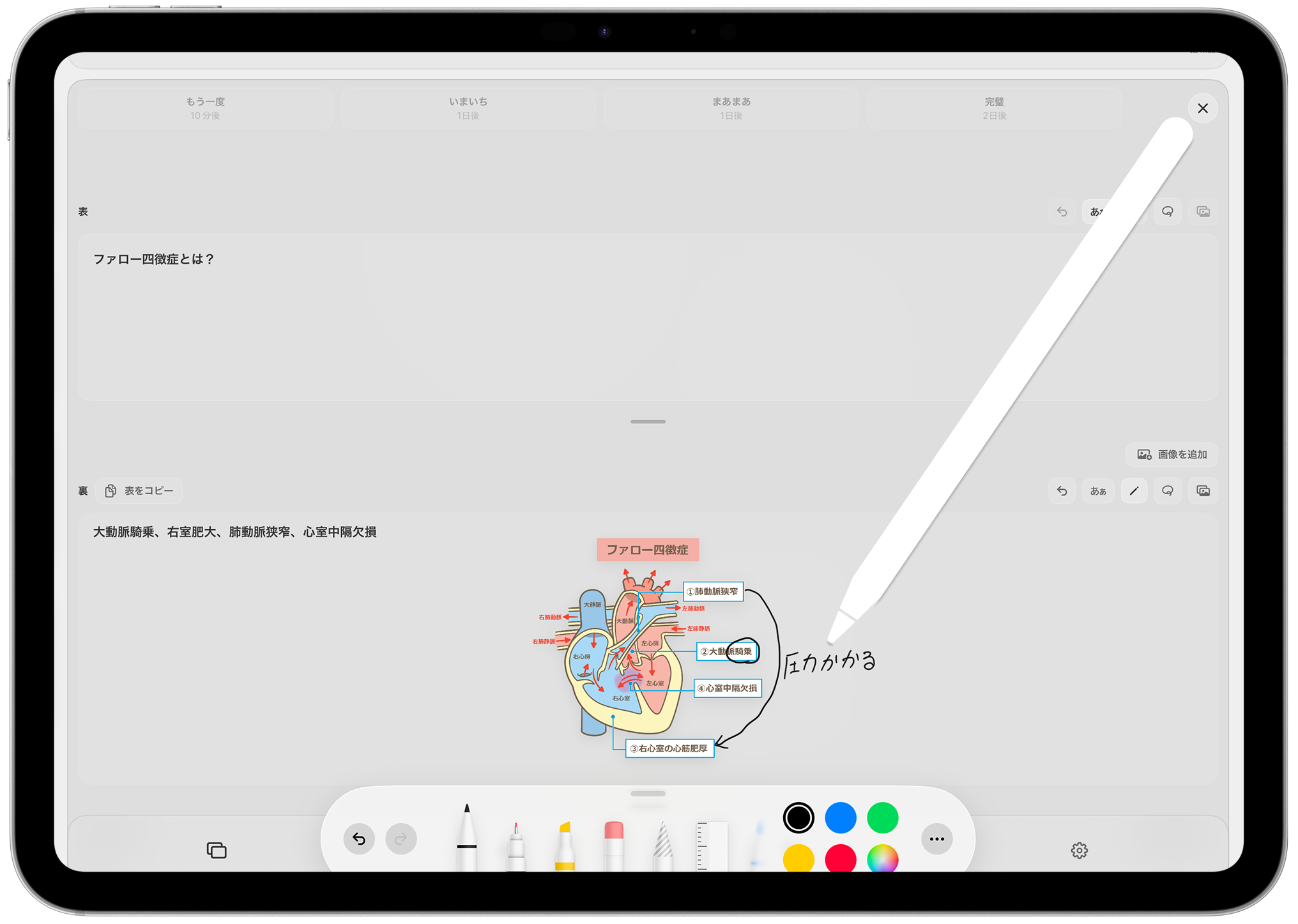
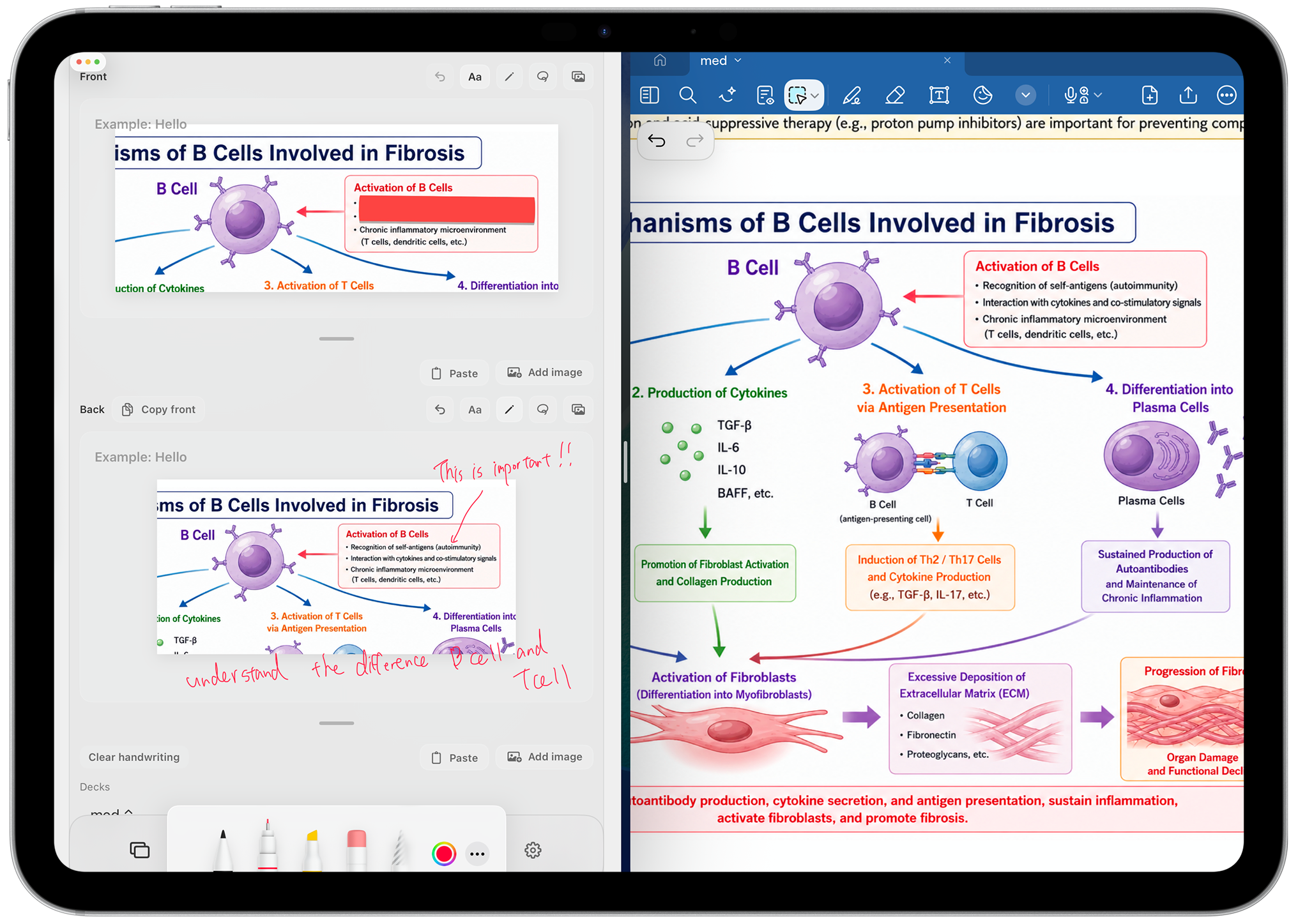
Paste multiple images and write freely with Apple Pencil. Turn diagrams, documents, and notes into your own flashcards.
APP INTEGRATION
Works even better
with apps like GoodNotes
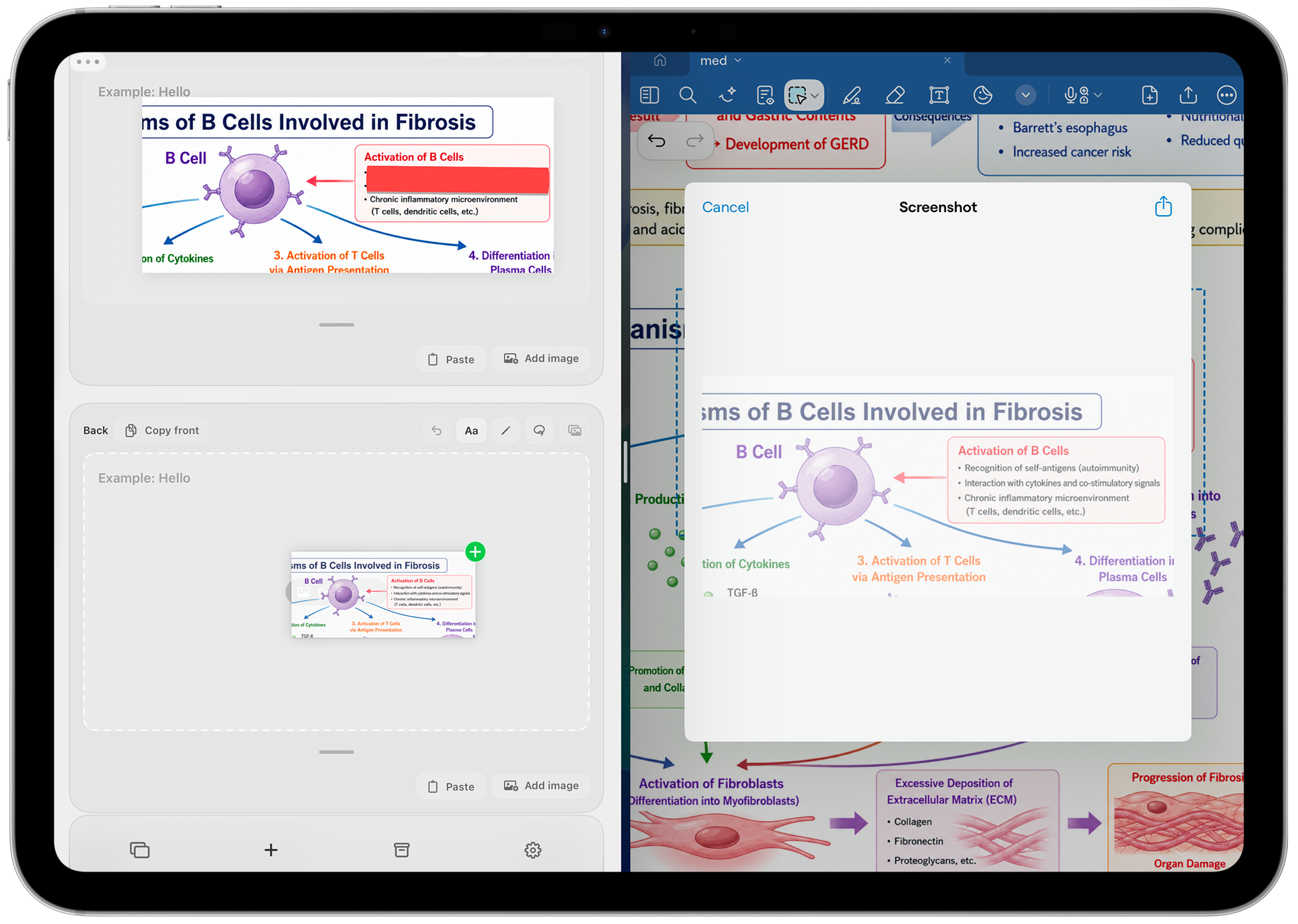
Bring in photos from notes and documents with drag and drop or copy and paste.
Use images and handwritten notes as they are, so you can create flashcards much faster.
Simple Pricing
Start free, then upgrade when you need more.
Prices shown are for the U.S. App Store. Final pricing may vary by App Store country or region.
Start a new way to memorize today.
Create your own flashcards with Kiokuma.
You can start for free.